
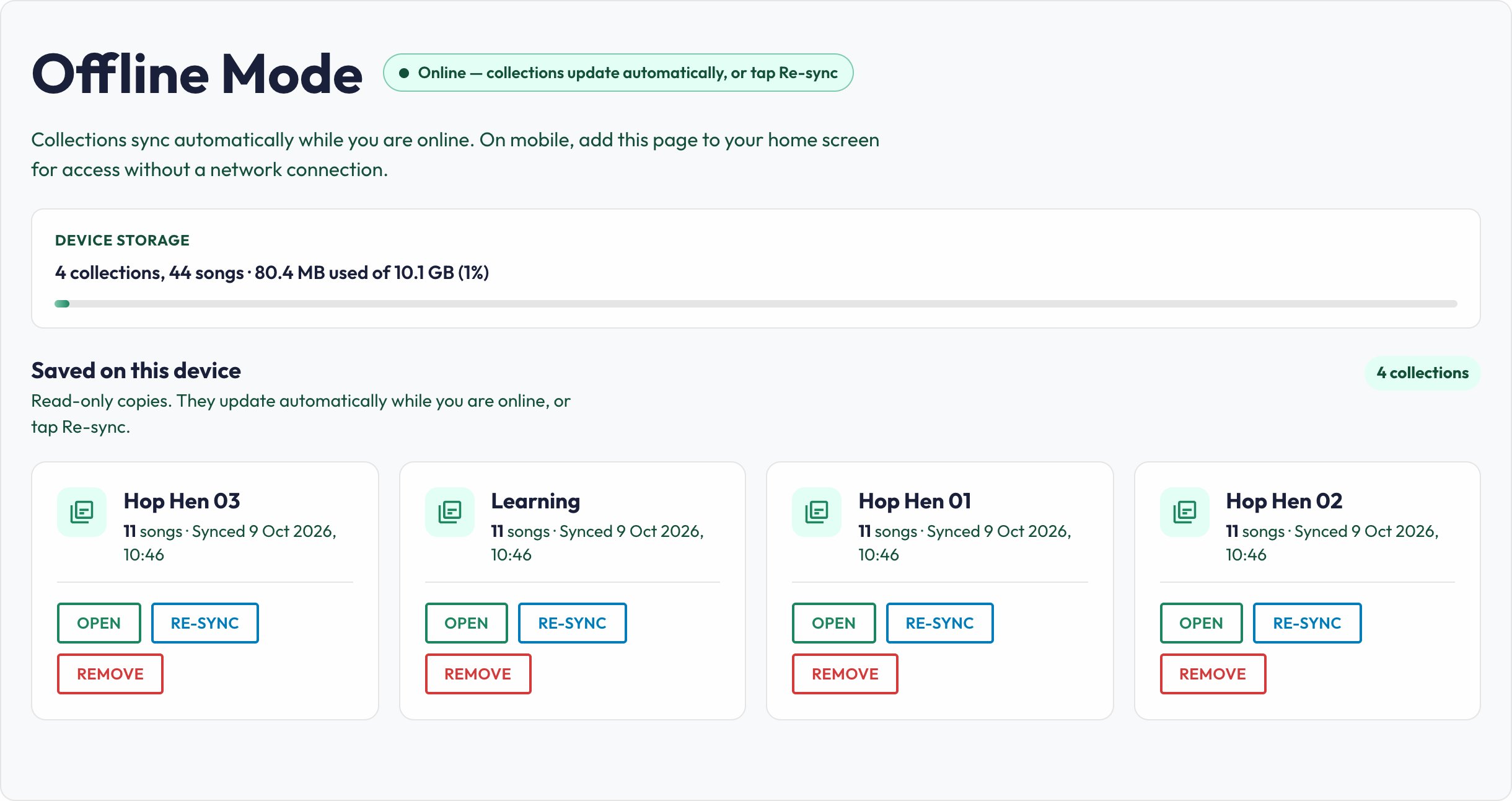
Live MusoLoop needs a network connection. Offline Mode keeps a read-only copy of your collections on the device you synced, so a dead venue Wi-Fi does not end the set.
Before you leave home
- Turn on Offline Mode under Account → Features if it is hidden.
- Open Offline Mode in the sidebar while you still have a solid connection.
- Let collections sync (or tap Re-sync). Confirm the songs you need are listed.
On a phone or tablet, add the Offline Mode page to your home screen so you can open it like an app if the browser chrome gets in the way.
At the gig
If the network drops, stay on (or reopen) Offline Mode. You will see the saved collections on that device — not a live edit of the cloud library. You cannot add songs or change charts while you are on the offline copy.
Good habits
- Sync on the same device you will play from. A laptop sync does not appear on your phone.
- Re-sync after you change a set list.
- Offline Mode is a safety net, not a reason to skip checking venue Wi-Fi or mobile data for features like Requests and Conductor, which still need a connection.